Painted teapot
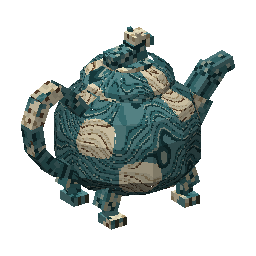
A saved Studio model with a teal and cream texture, curved handle and short feet.
Open the source
Download the model and texture together. Open the .blockymodel with the Hytale plugin in Blockbench, then load its PNG atlas to inspect the shapes and paint.
For the complete steps, follow how to import and edit this teapot in Blockbench, including loading a missing texture and saving both edited files.
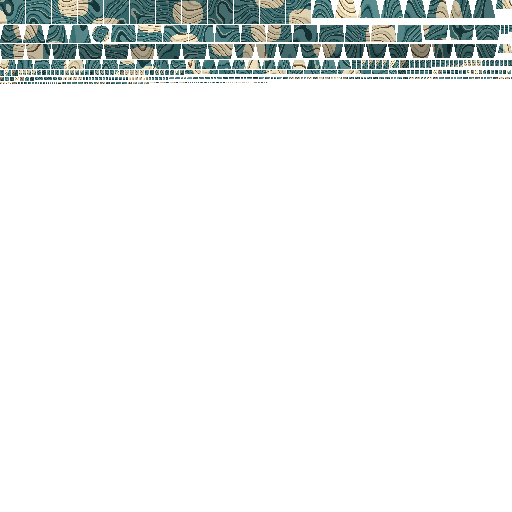
These are the unchanged files from the saved build. The turntable shows the model source; game definitions and an in-game test are separate steps.
Make your own
Describe your object or add a reference in Studio. Review the build quote, follow the saved previews, then inspect your model and download its files.
How Studio 2 works →